Written by Gary Jones, originally published on GaryJones.io, and reposted here with permission.
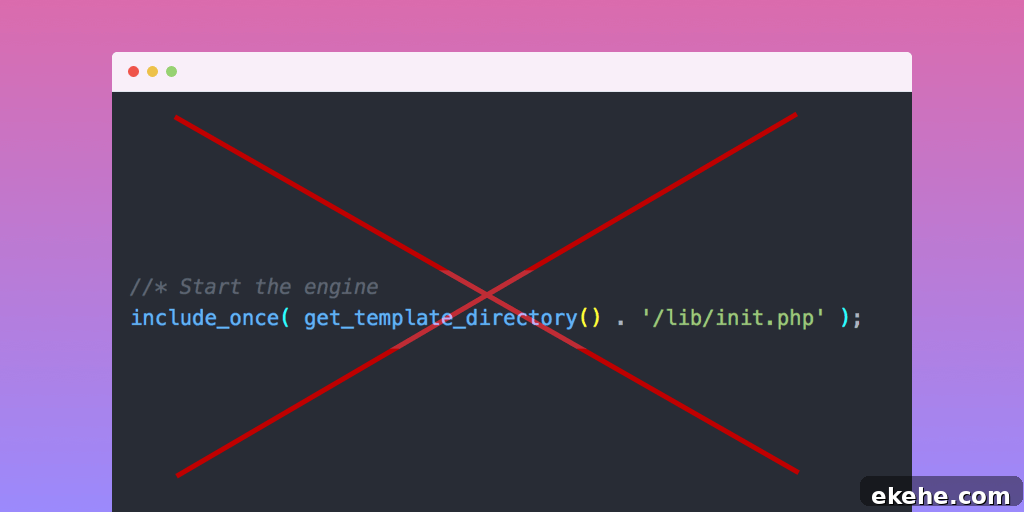
There’s a line in the Genesis Sample theme commented “Start the engine”. It appears in all StudioPress child themes and in many community-built Genesis child themes.
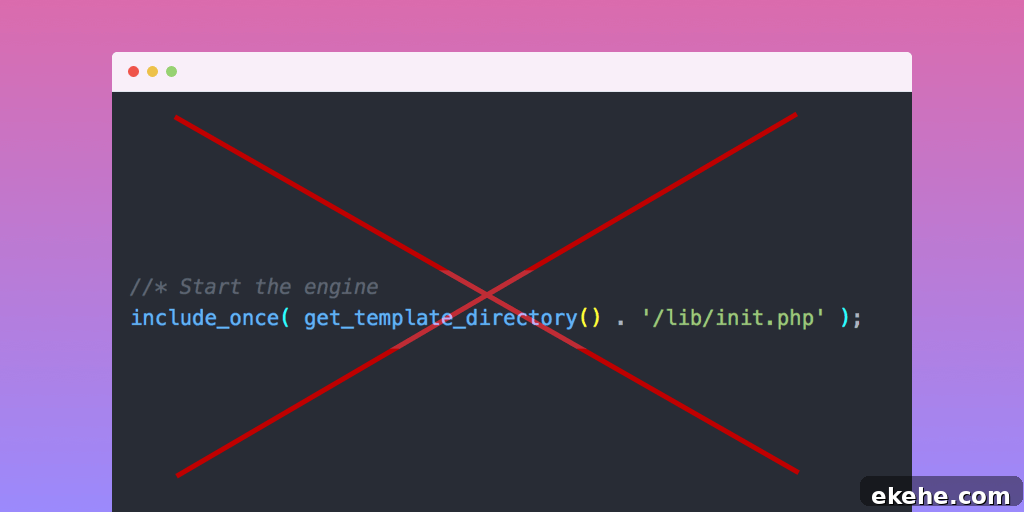
Yet that line is not strictly necessary.
More precisely, it doesn’t have to be required in order for a child theme to work properly.
It seems harmless, so why question it? This article examines the downsides of the “start the engine” pattern and outlines an alternative setup approach that offers a few practical benefits.
Start The Engine
To begin, here’s the familiar code often found in a Genesis child theme’s functions.php:
That include has been present in the Sample theme since its first release and therefore appears in every StudioPress child theme and many community themes.
For those who know basic PHP within WordPress themes, the snippet is straightforward: it enters PHP mode, adds a comment and then includes the parent theme’s lib/init.php file once, which kicks off the Genesis initialization.
What Does init.php Do?
The init.php file in Genesis is the framework’s initialization file. In Genesis 2.6 it does several things, including:
- Setting up an autoloader for Genesis classes.
- Firing a genesis_pre action.
- Defining functions for loading translations, theme support, and post type support, and hooking them into genesis_init.
- Defining constants used throughout Genesis and making them available to plugins and themes.
- Loading the rest of the framework files via a genesis_load_framework function.
- Firing genesis_init and genesis_setup action hooks.
In short, that single include triggers the complete loading of the Genesis Framework immediately.
Advantages of the Start the Engine Approach
There are a couple of perceived advantages to including init.php directly:
- It’s a single line and easy to copy and remember.
- It ensures all Genesis functionality is available immediately, so other code in functions.php can call Genesis functions without worrying whether they exist yet.
Those are the main benefits, but they come with trade-offs explored below.
The Alternative: A Setup Function
An alternative is using a theme setup function. This approach is often associated with Bill Erickson and mirrors how default WordPress themes handle setup.
Here’s an example pattern used in Utility Pro by Carrie Dils:
 '__return_false' ) );

 // Add support for accessibility features
 add_theme_support( 'genesis-accessibility', array( 'skip-links', 'headings' ) );

 // Add support for three footer widget areas.
 add_theme_support( 'genesis-footer-widgets', 3 );

 // Add support for additional color style options.
 add_theme_support(
  'genesis-style-selector',
   array(
    'utility-pro-purple' => __( 'Purple', 'utility-pro' ),
    'utility-pro-green' => __( 'Green', 'utility-pro' ),
    'utility-pro-red' => __( 'Red', 'utility-pro' ),
   )
 );

 // Add support for structural wraps (all default Genesis wraps unless noted).
 add_theme_support(
  'genesis-structural-wraps',
  array(
   'footer',
   'footer-widgets',
   'footernav', // Custom.
   'menu-footer', // Custom.
   'header',
   'home-gallery', // Custom.
   'nav',
   'site-inner',
   'site-tagline',
  )
 );

 // Add support for two navigation areas (theme doesn't use secondary navigation).
 add_theme_support(
  'genesis-menus',
  array(
   'primary' => __( 'Primary Navigation Menu', 'utility-pro' ),
   'footer' => __( 'Footer Navigation Menu', 'utility-pro' ),
  )
 );

 // Add custom image sizes.
 add_image_size( 'feature-large', 960, 330, true );

 // Unregister secondary sidebar.
 unregister_sidebar( 'sidebar-alt' );

 // Unregister layouts that use secondary sidebar.
 genesis_unregister_layout( 'content-sidebar-sidebar' );
 genesis_unregister_layout( 'sidebar-content-sidebar' );
 genesis_unregister_layout( 'sidebar-sidebar-content' );

 // Register the default widget areas.
 utility_pro_register_widget_areas();

 // Load files in admin.
 if ( is_admin() ) {

  // Add suggested plugins nag.
  include get_stylesheet_directory() . '/includes/suggested-plugins.php';

  // Add theme license (don't remove, unless you don't want theme support).
  include get_stylesheet_directory() . '/includes/theme-license.php';
 }
}
Put simply, a setup function groups theme setup tasks—registering widget areas, defining image sizes, adding theme support, registering menus, and so on—and runs them on a known action hook.
What is a Setup Function?
A setup function is one or more functions that consolidate a theme’s initialization tasks. The Twenty* default themes use this pattern, and it is a well-established best practice for organizing theme bootstrapping logic.
For Genesis child themes, the setup function is typically hooked to genesis_setup, the action that runs after Genesis has finished its own setup. Using a later priority (for example 15) ensures the child theme’s adjustments run after Genesis has added its defaults.
Multiple focused setup functions can be used to organize initialization into logical groups, all hooked to the same action and priority.
Advantages of the Setup Function Approach
This approach offers several advantages:
- It avoids directly including files from another codebase.
- It respects WordPress’ default parent/child load order.
- It reduces function calls executed immediately in the global scope by deferring work to hooked functions.
- It allows you to hook in or run code before Genesis finishes loading when needed.
Not including a file from another code base
Hard-coding an include couples your child theme to the parent theme’s internal file structure. If the parent theme renames or restructures files (a possibility with major version changes), that include will break and produce fatal errors. Avoiding direct includes reduces that fragility.
Honouring the Default WordPress Load Order
WordPress loads a child theme’s functions.php before the parent’s functions.php by design. Letting WordPress handle the parent theme loading and then hooking into the parent’s setup hook adheres to the expected lifecycle and keeps initialization predictable.
Fewer Function Calls in the Global Scope
Placing most initialization inside functions that are hooked into actions keeps the global scope clean. Calls made in the global scope run immediately when the file is loaded, which can make it hard for plugins or other code to intervene. Deferring setup to a hooked function lets plugins unhook or override behavior before the theme finalizes its setup.
This organization isn’t primarily for performance gains—any overhead is negligible—but it improves extensibility and reduces timing-related issues.
Allows Functionality to be Hooked in Before Genesis Loads
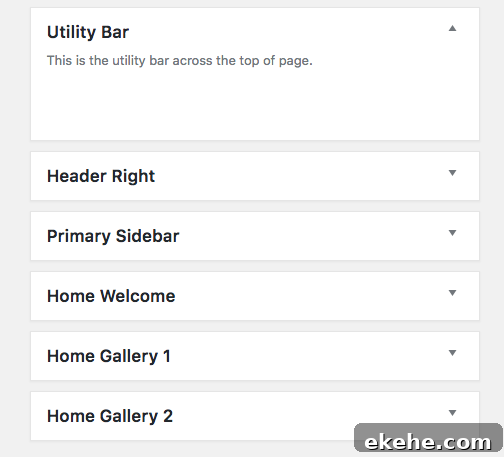
Because you control hook priorities, you can choose to run some setup tasks earlier than Genesis does. For example, registering a widget area with an earlier priority can change its position in the admin widgets screen so the order matches the front-end layout, which may be more intuitive for site editors.
What Should You Put Into Your Setup Function?
Not everything needs to be inside the setup function. Here are some guidelines.
Action and Filter Additions
Most add_action() and add_filter() calls can remain near the functions they reference, outside the setup function. Keeping the hook registration close to the callback keeps code more readable than separating the function and its hook across distant parts of a file.
Nested Functions
Avoid defining functions inside the setup function. PHP allows nested function definitions, but they introduce problems: calling the outer function more than once will try to redefine the nested function and cause a fatal error. Defining callbacks at file scope and hooking them into appropriate actions prevents this issue.
Action And Filter Removals
remove_action() and remove_filter() calls are a case where deferring to a setup function is useful. If you call remove_action() in the global scope before Genesis has had a chance to add that action, the removal will fail. Placing removals in a function hooked to genesis_setup ensures Genesis has already added its actions, making removals reliable.
WordPress Functions
Functions such as add_image_size(), add_theme_support(), and setting the global $content_width do not strictly have to be inside the setup function, but including them there groups theme configuration in one place and clarifies intent.
Summary
Because most customizations in Genesis child themes are implemented via hooked functions, it makes sense to consolidate setup into one or more functions and hook them into Genesis’ lifecycle. Instead of explicitly including the parent’s internal initialization file, rely on WordPress’ load order and the genesis_setup hook to apply your theme modifications after Genesis finishes loading. This approach reduces tight coupling, improves extensibility and follows WordPress conventions.